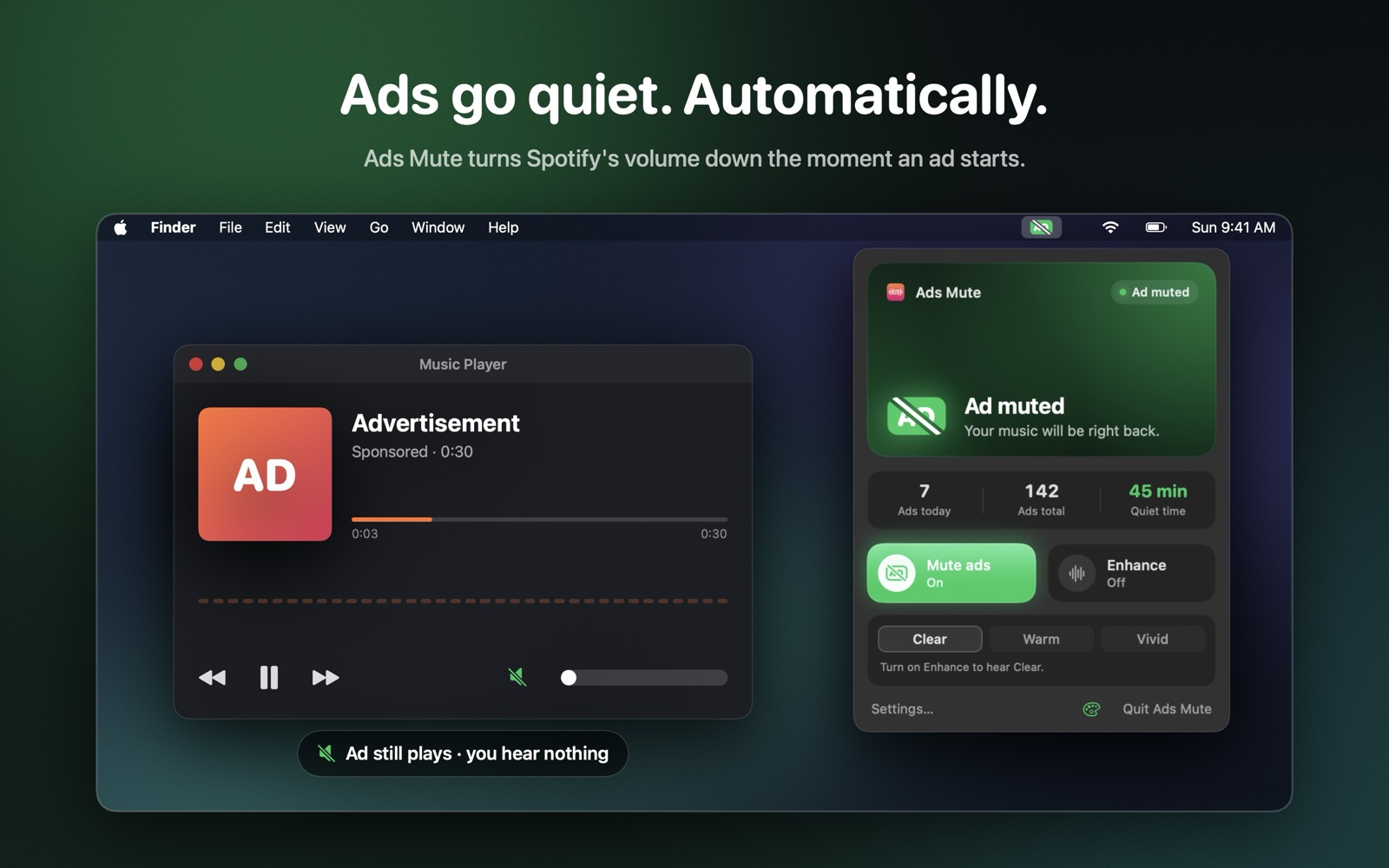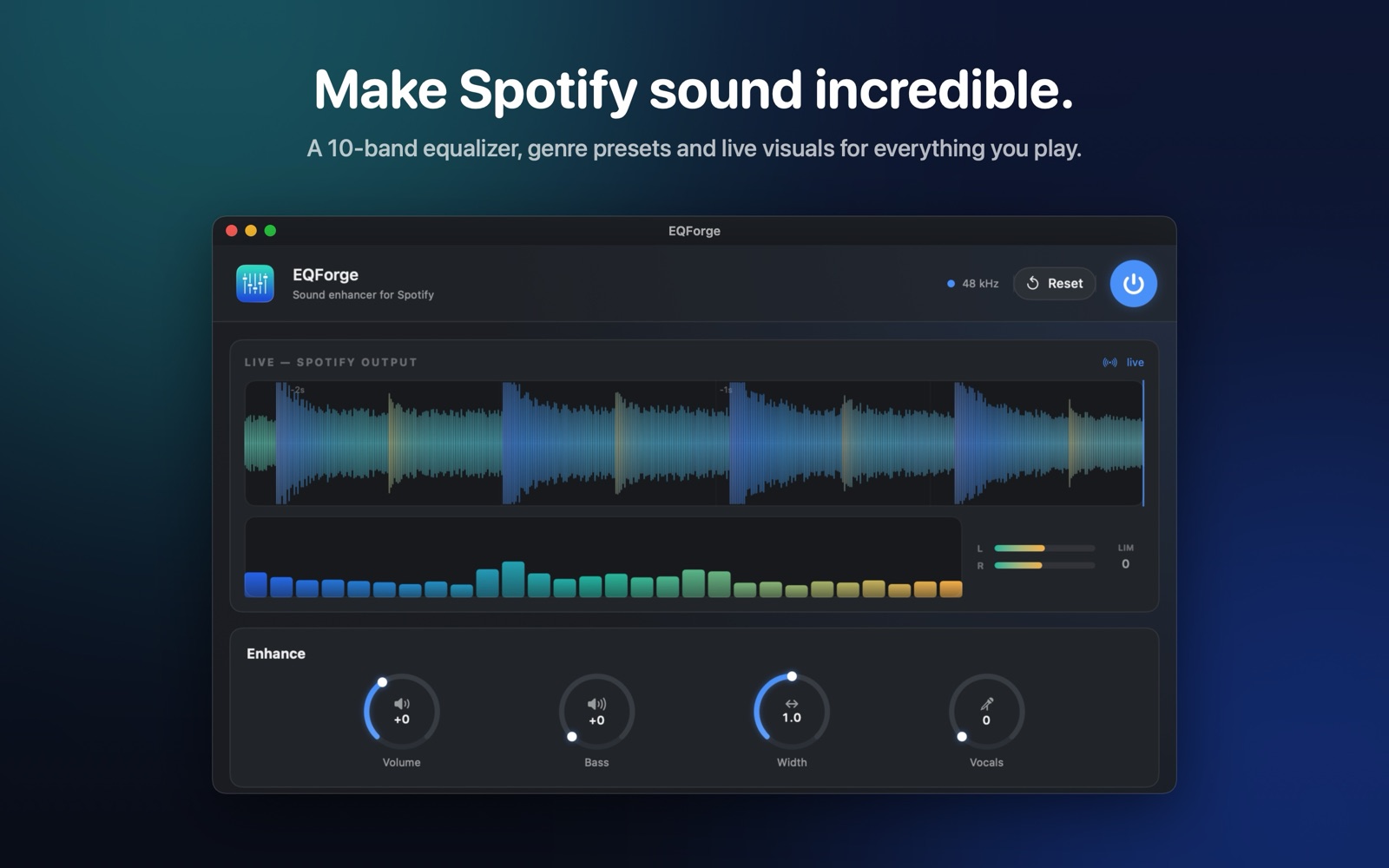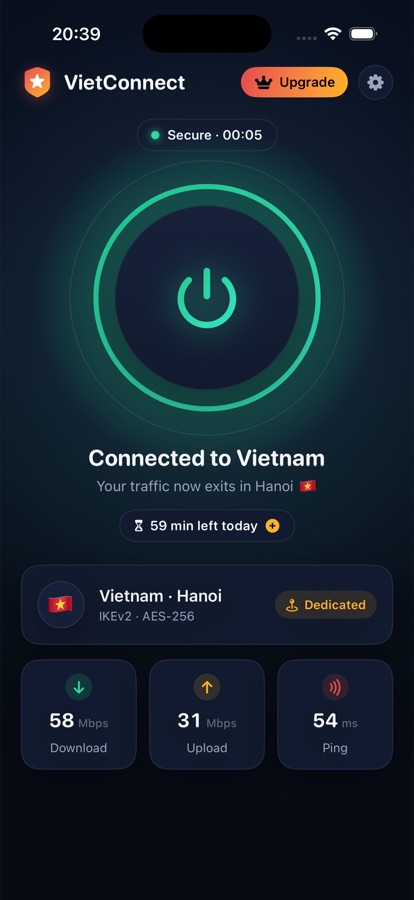


New Ads Mute for Mac — Spotify ads, muted. Coming to the Mac App Store.
Independent software studio

Small apps,
made properly.

Native utilities for the Mac and iPhone. Mac apps are sold here — pay once and keep them. iPhone apps are on the App Store.

Built for macOS 26
License delivered CM-7F2K-91QX · $12, once
Native Swift · Notarized · No accounts Scroll to discover 8 apps · 3 for Mac, sold direct
For Mac · Sold direct

Built for the way
you already work.

Downloaded from us, signed and notarized, licensed to you. Click through each step to see how they fit into a normal day.

Copy Manager Clipboard manager · $12 Explore Copy Manager

Copy now. Find it later.

Step 01 of 04

Copy the way you always do.

Press ⌘C anywhere. Copy Manager keeps a history of text, links, code, colours and email addresses in the background.

Step 02 of 04

Bring it up over anything.

⌘⇧V opens your clipboard on top of whatever app you’re in. Pinned clips stay at the top; the rest are grouped by when you copied them.

Step 03 of 04

Type a few letters.

Search is focused as soon as the window opens. The list narrows as you type, and ⌘1 to ⌘9 jump straight to a clip.

Step 04 of 04

Return, and it’s there.

Press return to paste into the app you came from. The window gets out of the way and you carry on.

Orders

Order #4821

Customer: Sam Rivera

License key: CM-7F2K-91QX-PL4D

Send with the welcome email.

New Message

To: sam@studio.co

Subject: Your Copy Manager license

Hi Sam — thanks for buying. Here’s your key:

CM-7F2K-91QX-PL4D

  • KCM-7F2K-91QX-PL4D⌘1
  • Lapple.com/macos/tahoe⌘2
  • TSee you at 10 — I’ll bring the deck.⌘3
  • Cgit rebase -i HEAD~3⌘4
  • sam@studio.co⌘5
⌘C ⌘⇧V ⏎ Pasted into Mail
Kestrel Hands-free reading · Free beta Explore Kestrel

Read without reaching for the trackpad.

Step 01 of 04

Sit back and read.

Kestrel watches for a small set of deliberate gestures through your Mac’s camera. Ordinary movement does nothing.

Step 02 of 04

Nod down to scroll.

A small dip of the head moves the page along. Hold it to keep scrolling; look up to stop.

Step 03 of 04

Pinch to open a link.

Raise a hand and pinch to follow the link under focus. Each gesture is confirmed over several frames before it acts.

Step 04 of 04

Turn your head to go back.

A short turn to the left goes back a page. Frames are processed on the Neural Engine and never leave your Mac.

‹ › field-notes.dev/long-reads/attentionfield-notes.dev/long-reads

Long read · 18 min

The economics of attention

Every interface asks for something. A tap, a glance, a moment of decision. Most of the time the cost is small enough to ignore, until you add it up across a day.

Reading is the clearest case. Your eyes do the work; your hands only scroll. And yet the hands are what we design for.

Consider the research on reading posture and what it says about how long people stay with a text when they don’t have to reach for the trackpad.

The answer is not dramatic, but it is consistent: fewer interruptions, longer sessions, better recall.

Which raises the question of what else could be moved off the hands entirely.

Long reads

The economics of attention18 min
Notes on quiet software9 min
Why defaults matter12 min
Ready — watching for gestures Nod down → Scroll Pinch → Open link Turn left → Back
Buying direct No subscription · No account

Pay once.
Keep it.

Our Mac apps are sold straight from this site. You get a license key by email and a signed download — nothing to sign into, nothing renewing in the background.

Get Copy Manager · $12 ↗
  1. 01 Pay once

    A license is yours to keep. No subscription, no account, no sign-in to use the app.

  2. 02 Updates included

    Every update within the major version is free. Upgrades to a new major version are discounted for existing owners.

  3. 03 14-day refunds

    If an app doesn't work for you, email us within 14 days of purchase for a full refund. No form, no questions.

  4. 04 Signed and notarized

    Every download is signed with our Developer ID and notarized by Apple, so Gatekeeper opens it without warnings.

Every app starts with a small annoyance

What should we
make next?